
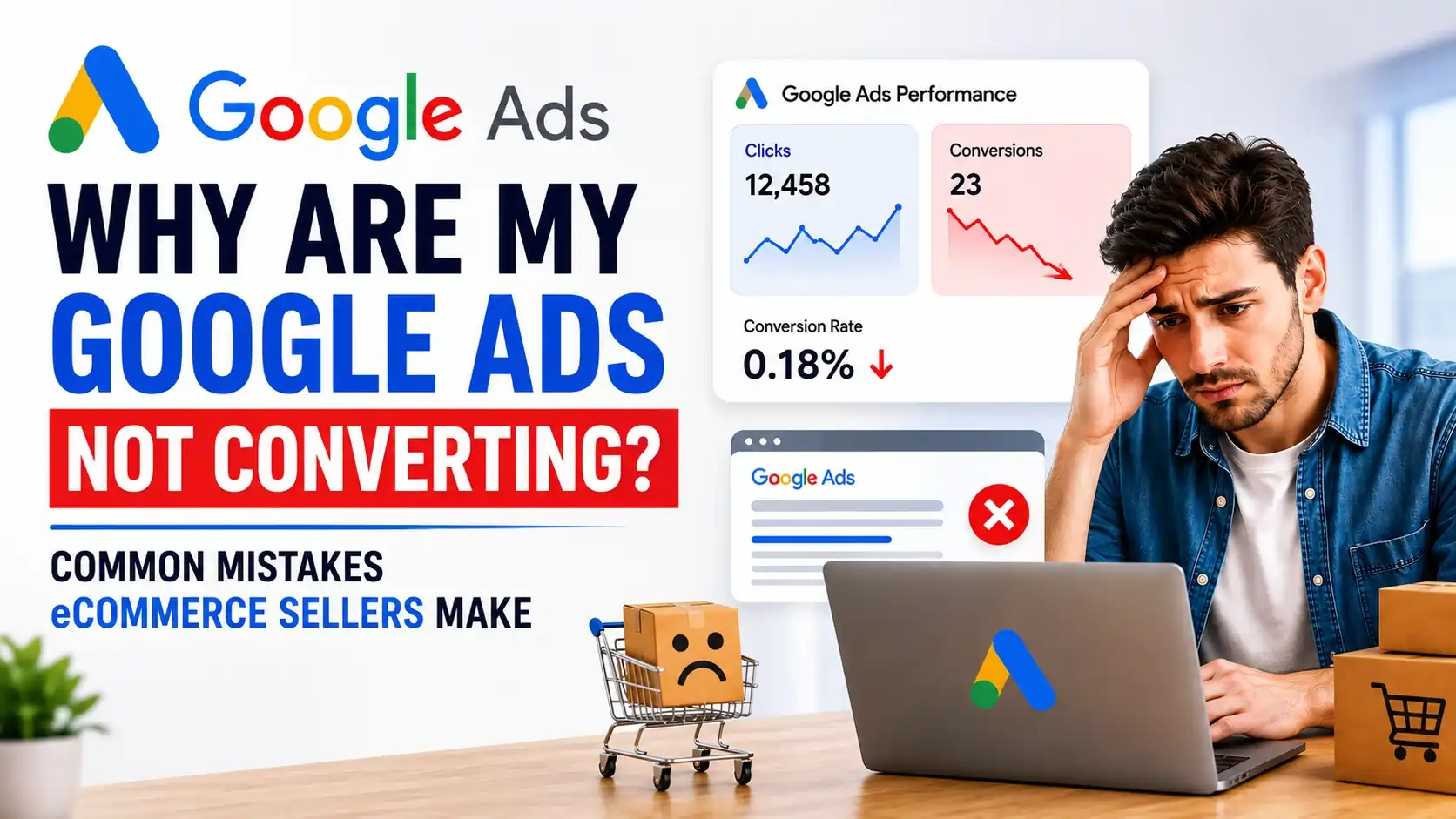
If you’re investing in Google Ads for Ecommerce in US and seeing plenty of clicks but very few sales, you’re not alone.
This is one of the most common concerns eCommerce business owners have when they start investing in paid advertising. After all, when traffic is coming to your website but revenue isn’t increasing, it’s easy to assume Google Ads is the problem.
However, after auditing and managing eCommerce advertising campaigns across multiple industries, I’ve found that the platform itself is rarely the main issue.
In most cases, poor performance can be traced back to conversion tracking problems, weak landing pages, poor audience targeting, inefficient campaign structures, or unrealistic scaling expectations.
The most important lesson I’ve learned over the years is this:
Google Ads amplifies reality. It doesn't create it.
If your store converts visitors into customers efficiently and your tracking is accurate, Google Ads can become a powerful growth engine. However, if your business fundamentals are weak, even the most advanced campaign setup will struggle to generate profitable results.
In this guide, we’ll cover the most common Google Ads mistakes in ecommerce ads, how to identify them, and most importantly, how to fix them.
Why Are My Google Ads Not Converting?
If your Google Ads campaigns are generating traffic but not sales, the most common reasons include:
- Poor product or landing pages
- Incorrect conversion tracking
- Wrong audience targeting
- Weak offers
- Slow mobile experience
- Poor campaign structure
- Launching Performance Max too early
- Increasing budgets too aggressively
- Focusing on traffic instead of profitability
The good news is that most of these problems can be fixed once they’re identified.
Let’s break them down.
Mistake #1: Poor Product Pages and Landing Pages
Many eCommerce businesses spend countless hours optimizing campaigns while ignoring the pages where customers actually make purchasing decisions.
As a result, traffic arrives on the site but leaves without converting.
Common issues include:
- Lack of customer reviews
- Poor-quality product images
- Weak product descriptions
- Unclear value propositions
- Hidden shipping costs
- Complicated checkout processes
- Slow mobile page speed
For example, we’ve seen stores with excellent campaign performance but conversion rates below industry averages simply because product pages failed to build trust.
How to Fix It
Before increasing ad spend, focus on improving your website experience.
Some quick wins include:
- Adding verified customer reviews
- Using high-quality lifestyle images
- Including FAQs on product pages
- Displaying shipping and return policies clearly
- Improving page speed, especially on mobile devices
- Highlighting key benefits above the fold
In addition, consider reviewing your ecommerce conversion rate optimization process regularly.
Mistake #2: Inaccurate Conversion Tracking
One of the biggest issues we encounter during account audits is inaccurate tracking.
Surprisingly, many businesses make optimization decisions based on incomplete or incorrect data.
Common tracking problems include:
- Duplicate purchase events
- Missing conversions
- Incorrect revenue attribution
- Poor GA4 implementation
- Missing Enhanced Conversions
- Broken tracking after website updates
Consequently, Google’s machine learning receives inaccurate signals and begins optimizing toward the wrong outcomes.
How to Fix It
Start by auditing your tracking setup.
Ensure:
- Purchase events fire correctly
- Revenue values are accurate
- Enhanced Conversions are enabled
- Google Ads and GA4 are properly connected
- Conversion actions match business goals
Remember, smart bidding can only perform as well as the data it receives.
One of the biggest myths in digital advertising is:
“Smart bidding works even if tracking isn’t perfect.”
In reality, poor data leads to poor optimization.
Mistake #3: Targeting the Wrong Audience
Another common reason campaigns fail is poor audience targeting.
Many advertisers focus heavily on generating more traffic rather than attracting qualified buyers.
Unfortunately, not all clicks are equal.
You may see:
- High traffic volume
- Strong click-through rates
- Low sales volume
- Poor ROAS
This usually indicates a targeting issue.
How to Fix It
Focus on users with clear buying intent.
Instead of targeting broad audiences, prioritize:
- High-intent search terms
- Shopping campaigns for proven products
- Remarketing audiences
- Customer match audiences
- Competitor audience analysis
Furthermore, regularly review search term reports to eliminate irrelevant traffic.
More traffic doesn’t automatically mean more sales.
The quality of traffic matters far more than the quantity.
Mistake #4: Poor Campaign Structure
Many eCommerce accounts become overly complicated over time.
As new products launch, advertisers often create additional campaigns, ad groups, and targeting layers without a clear strategy.
As a result, accounts become difficult to manage and optimize.
Common issues include:
- Duplicate campaigns
- Overlapping audiences
- Too many ad groups
- Excessive segmentation
- Conflicting campaign goals
How to Fix It
Simplify your account structure wherever possible.
A well-structured account should:
- Group products logically
- Align campaigns with business goals
- Minimize overlap
- Create clear optimization signals
Remember, complexity doesn’t necessarily improve performance.
In fact, simpler structures often outperform complicated ones because they provide cleaner data for optimization.
Mistake #5: Assuming Higher Budgets Mean Higher Sales
This is one of the most expensive misconceptions in eCommerce advertising.
Many store owners believe increasing budgets will automatically generate more revenue.
However, that’s rarely how it works.
Increasing spend simply sends more traffic to your website.
If your conversion rate is poor, you’re effectively paying more to amplify existing problems.
How to Fix It
Before scaling, evaluate:
- Conversion rate
- Average order value
- Checkout abandonment rate
- Customer trust signals
- Product page performance
Only scale once these metrics are healthy.
Otherwise, additional spend often leads to larger losses rather than larger profits.
Mistake #6: Launching Performance Max Too Early
Performance Max is one of Google’s most powerful campaign types.
However, it’s not a magic solution.
Many businesses launch Performance Max immediately after creating an account and expect Google’s automation to do the rest.
Unfortunately, this approach often fails.
Performance Max works best when it has:
- Historical conversion data
- Accurate tracking
- Strong creative assets
- Optimized product feeds
Without these inputs, the campaign struggles to find profitable customers.
How to Fix It
Before launching Performance Max:
- Verify tracking accuracy
- Build conversion history
- Optimize product feeds
- Improve website conversion rates
Only then should Performance Max become part of your scaling strategy.
Mistake #7: Ignoring Profitability
Many advertisers become obsessed with vanity metrics.
They celebrate:
- More clicks
- More traffic
- More impressions
- Higher revenue
Yet profitability continues to decline.
Revenue alone doesn’t indicate success.
For example, a campaign generating $100,000 in sales may appear impressive. However, if margins are low and advertising costs are high, the business may still be losing money.
How to Fix It
Track metrics that actually impact growth:
- Profit
- ROAS
- Conversion Rate
- Customer Lifetime Value
- Contribution Margin
Successful eCommerce brands focus on profitable growth, not just revenue growth.
Mistake #8: Trusting Automation Without Strategy
Automation has transformed digital advertising.
However, automation is not a replacement for strategy.
Another common misconception is:
“Automation works best on its own.”
The truth is that automation still requires:
- Business context
- Strategic direction
- Accurate data
- Creative testing
- Audience insights
Without these inputs, automation can scale inefficiencies just as quickly as it scales success.
How to Fix It
Use automation as a tool rather than a solution.
Regularly review:
- Search terms
- Audience quality
- Product performance
- Creative effectiveness
- Profitability metrics
The best-performing campaigns combine automation with human expertise.
When Google Ads Is Actually the Problem
While business fundamentals are usually the primary issue, there are situations where campaign setup genuinely limits performance.
Examples include:
- Broad match keywords without audience signals
- Incorrect bidding strategies
- Feed optimization issues
- Geographic targeting errors
- Poor ad copy
- Weak creative assets
- Limited conversion data
In these cases, campaign optimization can produce meaningful improvements.
However, these issues are typically easier to fix than problems related to offers, websites, or conversion rates.
Real-World Observation From Ecommerce Account Audits
Across numerous eCommerce audits, the highest-impact improvements rarely come from changing bids or campaign settings.
Instead, the biggest wins usually come from:
- Fixing tracking errors
- Improving product pages
- Increasing average order value
- Strengthening offers
- Enhancing customer trust
- Improving conversion rates
This is why businesses should focus on the entire customer journey rather than treating Google Ads as an isolated channel.
A successful advertising strategy begins long before someone clicks an ad.
Ecommerce Google Ads Self-Audit Checklist
Before increasing your advertising budget, answer the following questions:
Tracking
- Is purchase tracking verified?
- Are revenue values accurate?
- Are Enhanced Conversions enabled?
- Is GA4 configured correctly?
Website
- Does the site load quickly on mobile?
- Are reviews visible?
- Are product images high quality?
- Is checkout simple and friction-free?
Campaigns
- Is audience targeting relevant?
- Is campaign structure organized?
- Are negative keywords being used?
- Is Performance Max receiving enough data?
Business Fundamentals
- Is your offer competitive?
- Are profit margins healthy?
- Is your pricing attractive?
- Are shipping policies clear?
If you answered “No” to three or more questions, you’ve likely identified the reason your campaigns aren’t converting.
Final Thoughts
If your Google Ads campaigns aren’t producing the sales you expected, don’t assume Google Ads is broken.
More often than not, the issue lies somewhere between the click and the purchase.
Whether it’s inaccurate tracking, poor landing pages, weak offers, ineffective audience targeting, or profitability challenges, these factors have a much greater impact on performance than most advertisers realize.
The most successful eCommerce brands understand that Google Ads is not a shortcut to growth.
Instead, it’s a system that amplifies what’s already working inside the business.
That’s why the biggest wins usually come from improving offers, increasing conversion rates, optimizing product pages, and ensuring accurate measurement.
Once those foundations are in place, scaling becomes significantly easier.
Need Help Identifying What's Holding Your Campaigns Back?
Many businesses spend months adjusting bids and budgets without addressing the real issues limiting performance.
As a Google Ads specialist for Ecommerce, we help online stores uncover hidden bottlenecks in tracking, audience targeting, campaign structure, and conversion optimization.
Whether you’re looking for a Google Ads Service for Ecommerce Business in US, a Google Ads Expert for Ecommerce in US, or an experienced Ecommerce Ads Expert in US, the first step is understanding what’s preventing your campaigns from converting.
Request a Google Ads Audit today and discover exactly where your ecommerce advertising performance can improve.